Free
To get started
- 1 deck, 100 cards
- Unlimited studying and reviewing
- FSRS scheduling, offline study
- Import from and export to Anki
- Join classes
Make flashcards, study a few minutes a day, and Notigo+ works out when each card should come back.
Works offline · No ads · Export to Anki any time
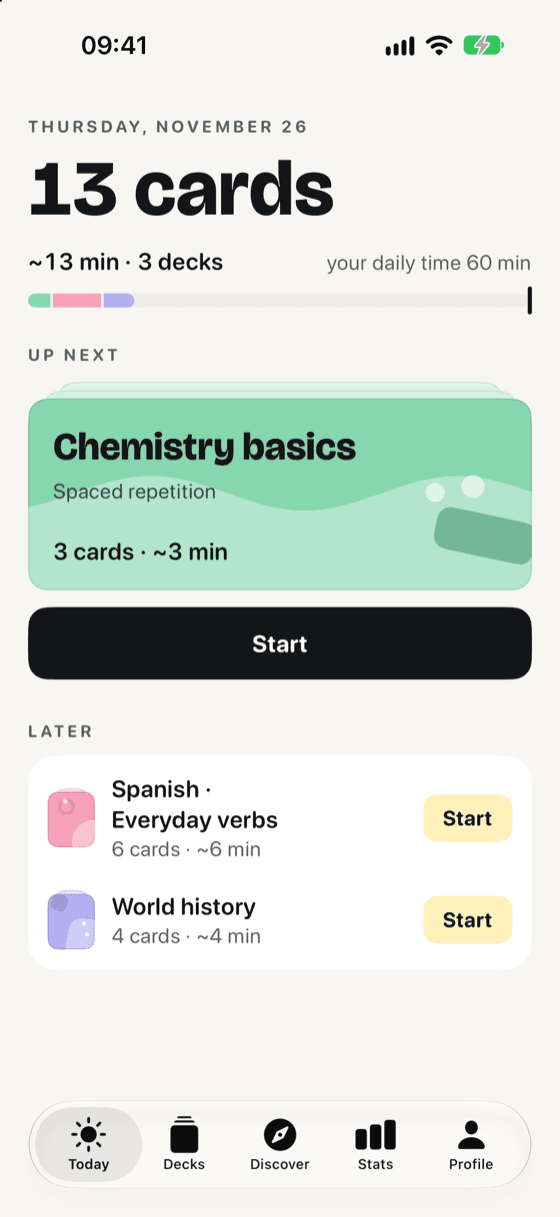
Today shows how many cards are waiting and which deck is next.
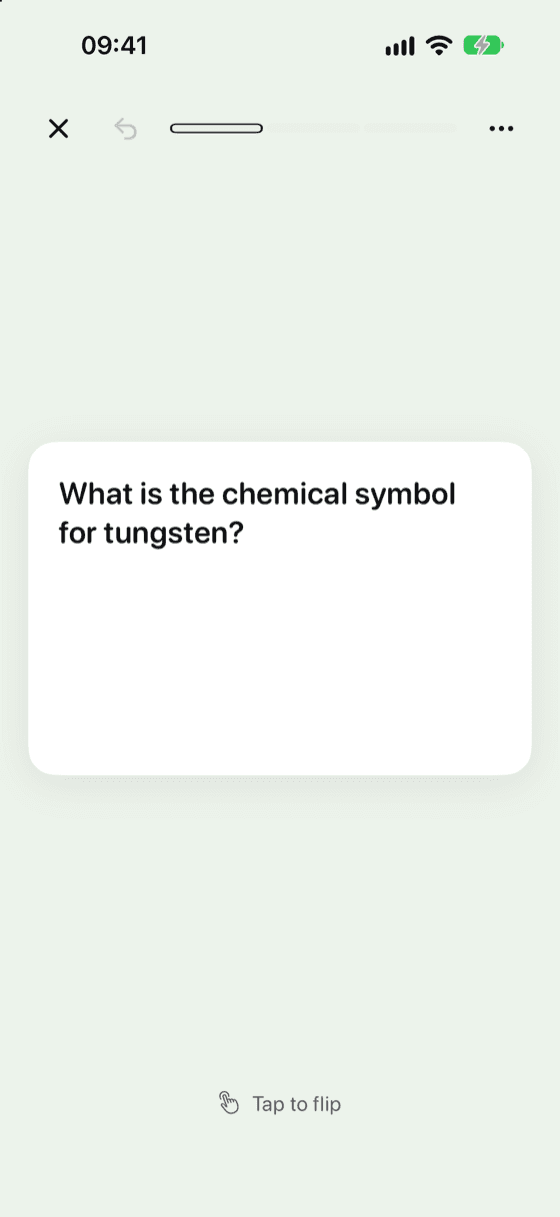
Read the question, think, then flip the card and say whether you knew it.
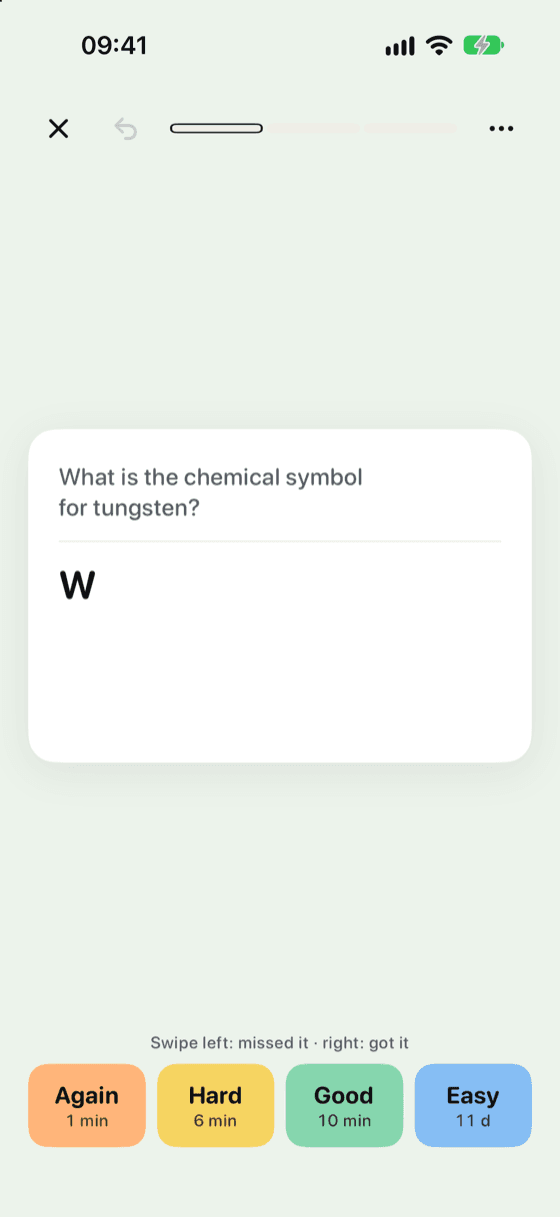
Cards you know come back later, cards you missed come back sooner. Your phone does the maths, even offline.
AI drafts the cards for you. Each card keeps the page and the sentence it came from, so you can check it.
Decks other learners have published, by subject. Add one and study it like your own.
243 decks · 37,411 cards
German · A2 · 200 words
Biology · Cells and genetics
Geography · World capitals
Computer science · Fundamentals
Nutrition and dietetics · Fundamentals
Forensic medicine · Core concepts
German · Articles and cases
Science · Astronomy
Geography · World geography
Literature · World literature
Dentistry · Oral pathology
Anatomy · Muscles
Create a class here on the web and share its code. Students join from the app; you hand out decks, post assignments and run a live quiz in the lecture.
Studying and reviewing are never locked, on any plan.
To get started
For daily learners
Schools and courses. Give your students Premium with an institution licence; manage seats from the web panel. hello@notigoplus.com